6 Deployment Checks That Saved My Farm Calculator Update on Release Night
You push a critical update. Dashboard says success. Farmers still see old results.
That mismatch is brutal when users depend on seasonal calculator accuracy. I hit this exact failure during a release night.

3 SEO Title Options You Can A/B Test
- 6 Deployment Checks That Saved My Farm Calculator Update on Release Night
- 5 Cloudflare Pages Mistakes That Keep Serving Old Calculator Logic
- 7 Release-Day Debug Steps to Prevent Preview-Only Deployments in 2026
Why This Matters for Agriculture Tools
Our users make feeding, planting, and heating decisions on mobile. If production serves stale logic, they lose time and money. Deployment reliability is part of product quality, not a side task.
Personal Experience #1: I Lost Three Hours Chasing the Wrong Layer
I cleared browser cache, purged CDN, and rebuilt locally. Everything looked "successful." The live domain still served old calculator behavior.
Pro Tip (Check Target Environment First): Before debugging code, verify whether your deploy landed in preview or production. Wrong target beats perfect code every time.
Personal Experience #2: Branch Naming Quietly Sent Me to Preview
My local branch was master.
Production expected main.
wrangler pages deploy uploaded correctly but treated it as preview.
That meant Beekeeping Sugar Syrup Calculator and Aquaponics Biomass Balancer updates never reached the production domain.

Personal Experience #3: One Explicit Flag Fixed the Incident
The fix was simple once identified. I deployed with an explicit branch target. Production updated immediately.
npx wrangler pages deploy out --project-name tool-agriculture-calculate --branch main
I confirmed the release by testing three tools end to end, including Poultry Incubation Scheduler.
Pro Tip (Release Verification): After deploy, validate one calculator from each critical category. A single homepage check is not enough.
Preview Purgatory vs Controlled Release
| Checkpoint | Chaotic Release | Controlled Release | | :--- | :--- | :--- | | Branch target | Implicit default | Explicit production branch | | Success signal | Dashboard green only | Dashboard plus live URL checks | | Cache diagnosis | First reflex | After environment validation | | QA scope | One page glance | Multi-tool functional smoke test | | Team confidence | Low | High and repeatable |
My Release Checklist in 10 Minutes
- Confirm deploy branch and project name.
- Trigger deploy with explicit production branch.
- Validate one calculator per major category.
- Share release proof in team channel.
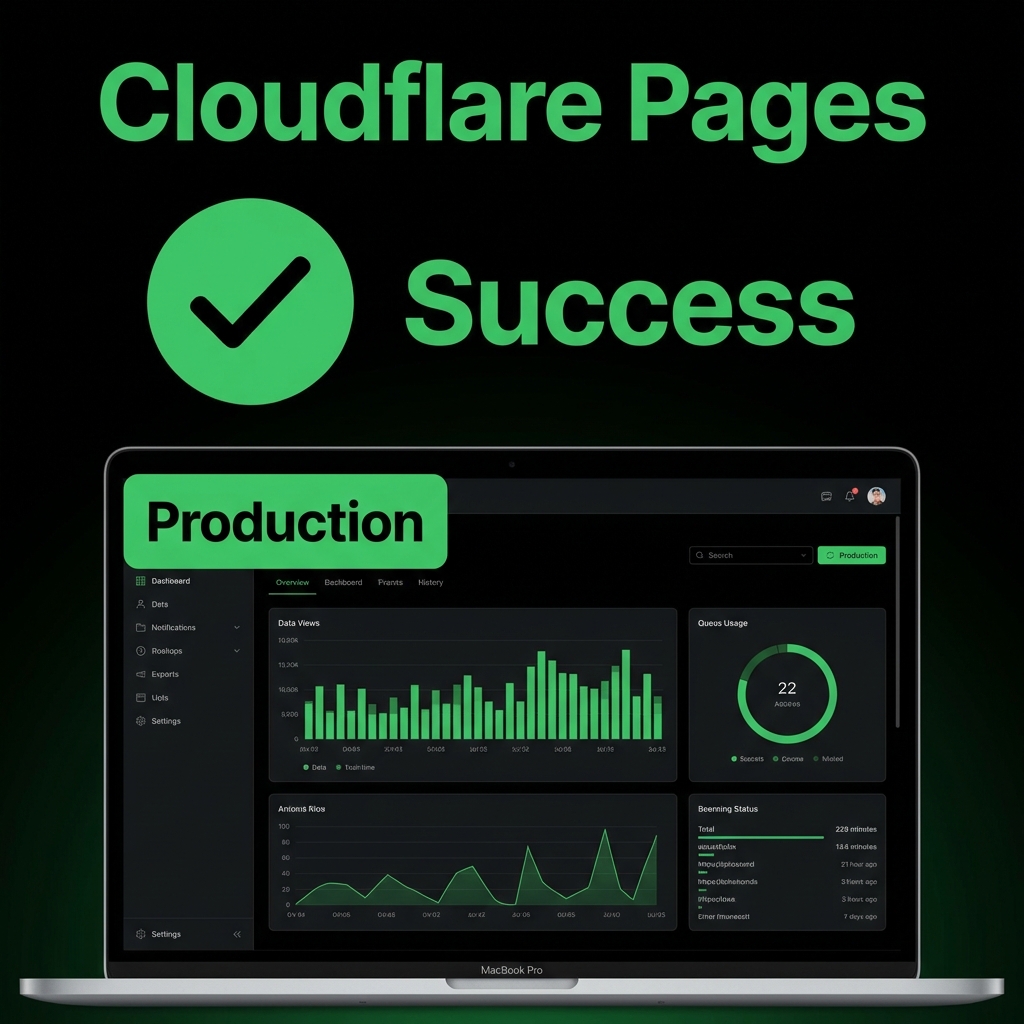
If your release looked successful but users still see old logic, check branch routing first. That single step can save your entire evening.
Tell me your deploy command and target branch in the comments. I can help you spot the failure path quickly.
Verify a Live Tool After Deployment
Open a real production calculator to confirm your latest release is serving correct logic.
Try Tool Now →Meta Description (140 chars): Prevent stale calculator releases with 6 deployment checks, real Cloudflare lessons, and one fast checklist for reliable production updates.